How BIM is Shaping Urban Planning in 2024?

How BIM is Shaping Urban Planning in 2024?

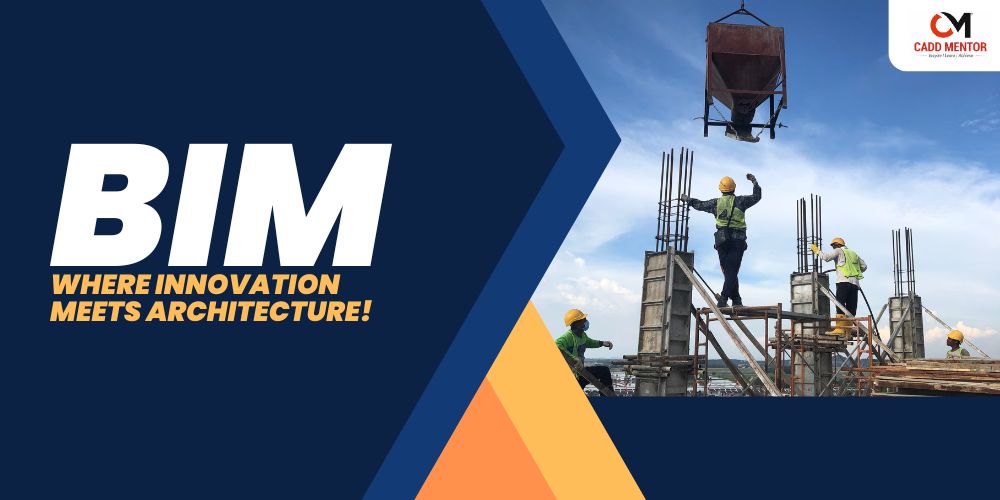
Urban planning is undergoing a significant transformation, thanks to the advancement of Building Information Modelling (BIM) technology. Here’s a closer look at how BIM is revolutionising urban planning this year.

What is Urban Planning?

Urban planning is the process of designing and organising the development of urban areas to create functional, sustainable, and aesthetically pleasing environments. It integrates various aspects like land use, infrastructure, and transportation. With the advancement of BIM technology, urban planning has become more efficient and data-driven. Building Information Modelling (BIM) allows planners to create detailed 3D models of urban areas, which help visualise potential developments and assess their impact on the environment and community. By using BIM, urban planners can make more informed decisions, leading to better-designed and more sustainable urban spaces.

Key Benefits of BIM for Urban Planners

BIM offers numerous advantages for urban planners, making the planning process more efficient and effective. One of the primary benefits is greater accuracy in planning. It enhances accuracy in planning by providing detailed 3D models and simulations which provide a comprehensive view of a project before construction begins.. This results in greater precision and fewer errors during the planning process.

Another significant advantage of BIM is its contribution to increased sustainability. BIM enables planners to assess the environmental impact of their designs by simulating different scenarios and analysing energy usage, material selection, and waste management. This level of insight supports the development of eco-friendly and sustainable urban spaces that are better for the environment and the communities they serve.

What is the Scope of BIM in Urban Planning?

The scope of BIM in urban planning is vast and continually expanding. Building Information Modelling, goes beyond just creating 3D models; it integrates every detail of construction design, making it an essential tool for modern urban development. Through BIM, urban planners can create precise and detailed designs that encompass everything from the architecture of buildings to the layout of entire infrastructure projects, and can efficiently manage resources, timelines, and costs. BIM infrastructure models support detailed visualisation and analysis, making it easier to plan and execute complex urban development projects. The scope of BIM in urban planning is all-encompassing, covering everything from detailed construction design to precise construction estimating, making it indispensable for modern urban infrastructure projects.
Unlock Your Engineering Potential with the Best AutoCAD Training in Bareilly: A Comprehensive Guide for All Disciplines

Unlock Your Engineering Potential with the Best AutoCAD Training in Bareilly: A Comprehensive Guide for All Disciplines

Best AutoCAD Training in Bareilly for All Engineering Disciplines
 
AutoCAD is a versatile software that plays a significant role in various engineering fields. Whether you’re pursuing civil, mechanical, electrical, or architectural engineering, AutoCAD can help you create detailed designs, models, and drafts that meet industry standards. This blog explores the benefits of learning AutoCAD for different engineering disciplines, the job opportunities it offers, and a helpful list of shortcut keys to improve your efficiency.

Why AutoCAD is Important for All Engineering Disciplines :

AutoCAD is a powerful drafting tool used across various industries, helping engineers visualize, design, and document their projects. Here are the key benefits of AutoCAD for different engineering fields:

Shape the Future of Building: Discover the Power of BIM Training! Best BIM training in Bareilly

Shape the Future of Building: Discover the Power of BIM Training! Best BIM training in Bareilly

Title: Unlocking the Future with BIM: A Complete Guide to Software, Career Opportunities, and Benefits

Introduction: Building Information Modeling (BIM) is revolutionizing the construction and architecture industries. If you’re looking to grow your career in design, engineering, or construction management, mastering BIM is essential. In this blog, we’ll explore what BIM is, its advantages, the key software you need to know, core topics for mastery, and the exciting job profiles awaiting skilled BIM professionals.

Advantages of BIM:

  • Enhanced Collaboration: BIM enables seamless collaboration across different disciplines such as architects, engineers, and construction teams, leading to reduced miscommunication.
  • Improved Project Efficiency: With accurate data and 3D models, BIM enhances project delivery, reduces errors, and minimizes rework.
  • Cost and Time Savings: Real-time updates, detailed modeling, and precise planning can significantly reduce project delays and budget overruns.
  • Sustainability: BIM helps in planning energy-efficient and sustainable building projects by visualizing and optimizing resource usage.
  • Risk Mitigation: Early clash detection and better design coordination reduce the likelihood of project failures.

Key Software Used in BIM:

  • Autodesk Revit
  • Navisworks
  • Bentley Systems
  • Vectorworks
  • Graphisoft ArchiCAD
  • Tekla Structures

All AutoCAD Shortcut Keys: Ultimate Guide for Designers | AutoCAD Course in Bareilly

All AutoCAD Shortcut Keys: Ultimate Guide for Designers | AutoCAD Course in Bareilly

Introduction

AutoCAD is one of the most powerful tools for architects, engineers, and designers. To boost productivity and streamline your design process, mastering AutoCAD’s shortcut keys is essential. This blog will cover all the important AutoCAD shortcuts in a convenient table format, helping you save time and effort.

Table of AutoCAD Shortcut Keys

Shortcut KeyCommandDescription
AARCCreates an arc.
CCIRCLEDraws a circle.
EERASEDeletes selected objects.
LLINEDraws a straight line.
MMOVEMoves selected objects.
ZZOOMZooms to change the view of the drawing.
XEXPLODEBreaks a compound object into its components.
HHATCHFills an enclosed area with a hatch pattern.
FFILLETRounds or fillets the edges of objects.
TRTRIMTrims objects to meet the edges of other objects.
EXEXTENDExtends objects to meet the edges of other objects.
COCOPYCopies selected objects.
MIMIRRORCreates a mirrored copy of selected objects.
OOFFSETCreates parallel copies of objects.
UNUNDOReverses the last command.
REREDOReapplies the last reversed command.
BBLOCKCombines multiple objects into a single block.
IINSERTInserts a block or drawing into the current drawing.
SSTRETCHStretches objects crossed by a selection window.
F8ORTHOToggles orthogonal mode for straight lines.
F9SNAPToggles snapping to a grid.
F10POLARToggles polar tracking for angles.
F12DYNMODETurns dynamic input on or off.
CTRL + 1PROPERTIESOpens the properties palette.
CTRL + CCOPYCLIPCopies objects to the clipboard.
CTRL + VPASTECLIPPastes objects from the clipboard.
CTRL + ZUNDOReverses the last action.
CTRL + YREDOReapplies the last undone action.
CTRL + SHIFT + SSAVEASSaves the drawing with a new name.
CTRL + PPRINTPrints the drawing.
CTRL + NNEWCreates a new drawing.
CTRL + OOPENOpens an existing drawing.
CTRL + SSAVESaves the current drawing.

Conclusion

Learning these AutoCAD shortcuts will significantly improve your design efficiency, making your workflow faster and more effective. Bookmark this page for quick reference and become an AutoCAD power user!

Accredited By

Introduction to CAD: Basics & Applications

Introduction to CAD: Basics & Applications

Computer-Aided Design (CAD) has transformed various industries by enabling precise, efficient, and innovative design solutions. This blog will delve into the basics of CAD, its applications, and why learning CAD skills can open up diverse career opportunities. If you’re in Bareilly and want to excel in CAD, our institute, CADD Mentor, offers specialized courses that provide hands-on training, industry-relevant skills, and certification, making you job-ready in today’s competitive market.

What is CAD?

CAD, or Computer-Aided Design, involves using specialized software to create precise technical drawings, blueprints, and 3D models. From architecture and engineering to product design, CAD helps professionals bring concepts to life, simulate real-world conditions, and make necessary design adjustments before production.

Core Features of CAD

  1. 2D & 3D Drafting: CAD software supports 2D drafting for basic plans and 3D modeling for complex design visualization.
  2. Precision & Accuracy: CAD tools allow designers to work with precise measurements and detailed specifications.
  3. Automation: Features like layers, templates, and predefined shapes speed up the design process and enhance consistency.
  4. Simulation & Analysis: CAD software often includes tools to test structural integrity, thermal properties, and more.
  5. Documentation: CAD automates documentation, ensuring that all measurements, materials, and specifications are accounted for.

Key Applications of CAD

1. Architecture & Construction

Architects use CAD to create detailed floor plans, elevations, and 3D models. This visual clarity is essential for presenting concepts to clients, ensuring adherence to codes, and avoiding costly construction errors.

2. Mechanical Engineering

CAD is essential for designing machinery, automotive components, and industrial equipment. It supports mechanical engineers by enabling them to create detailed, functional models and run stress simulations.

3. Electrical Engineering

CAD is also widely used in electrical engineering to design wiring layouts, circuit diagrams, and control panel schematics, improving the accuracy of electrical installations.

4. Interior Design

Interior designers leverage CAD for space planning, furniture layouts, and detailed 3D renderings. CAD also allows designers to show clients different material and color options visually.

5. Product Design

From household items to advanced technological devices, CAD is indispensable in creating products that are both functional and aesthetically pleasing. It aids in prototyping and in making modifications before final production.

Why Learn CAD?

Learning CAD is highly beneficial for anyone pursuing careers in engineering, architecture, or design. As industries become more competitive, expertise in CAD software is not only a valuable skill but often a requirement. CAD professionals can work as drafters, designers, or project managers and find employment in a wide range of industries.

CAD at CADD Mentor, Bareilly

If you’re located in Bareilly or nearby, CADD Mentor is your local hub for professional CAD training. We offer courses in popular CAD software, including AutoCAD, Revit, CATIA, and SolidWorks, tailored to different career paths. Here’s what sets us apart:

  • Hands-On Training: Practical exercises ensure you gain experience in real-world applications.
  • Experienced Faculty: Our instructors bring years of industry experience and provide personalized guidance.
  • Certification: Upon completing your course, you receive a certificate to enhance your career prospects.
  • Industry-Relevant Curriculum: Our curriculum is continually updated to reflect the latest trends and technology in CAD.

Whether you’re a student, working professional, or business owner looking to add design skills to your toolkit, our institute has courses designed to meet your needs. Join us at CADD Mentor, Bareilly, to start your CAD journey today!


If you’re interested in advancing your CAD skills or exploring new career opportunities, contact us or visit our website www.caddmentor.com for more details on enrollment, course schedules, and more information on our offerings.

With comprehensive training from CADD Mentor, you can turn your ideas into reality and stand out in your industry!

Accredited By

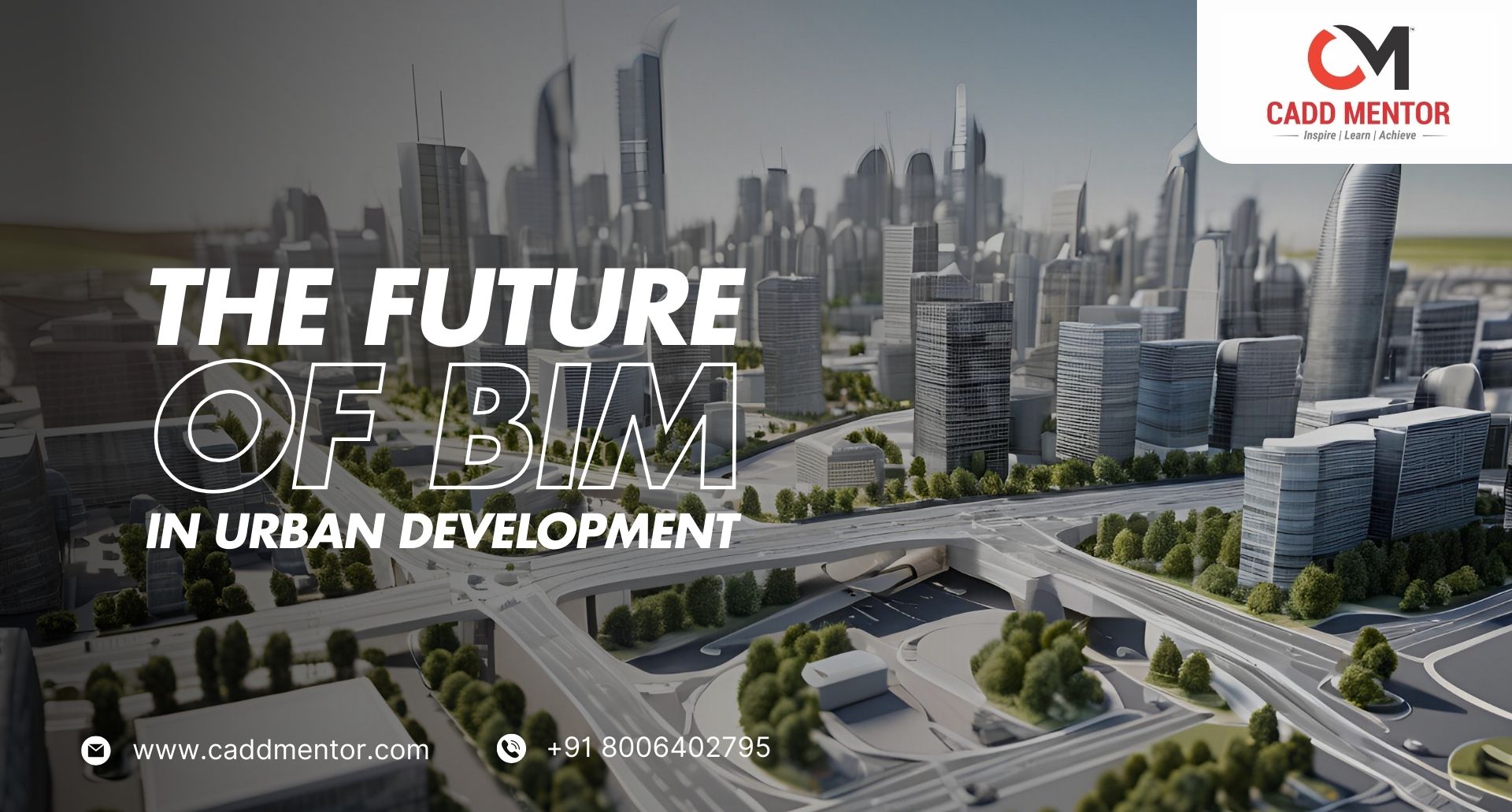
The Future of BIM in Urban Development

The Future of BIM in Urban Development

Building Information Modeling (BIM) is revolutionizing the way urban spaces are designed, constructed, and managed. As cities grow and become more complex, BIM offers innovative solutions for efficient planning, cost management, and sustainability in urban development. The future of BIM in urban development is filled with opportunities for enhanced collaboration, smarter decision-making, and better integration of infrastructure. As BIM technology continues to evolve, its role in shaping the future of cities becomes even more vital.

What is BIM?

BIM is a digital representation of physical and functional characteristics of a facility. It is a collaborative process that allows various stakeholders—architects, engineers, contractors, and facility managers—to work together in real-time. BIM enables accurate 3D modeling, reduces design errors, and ensures better planning and resource management.

The Impact of BIM in Urban Development

  1. Enhanced Design and Visualization
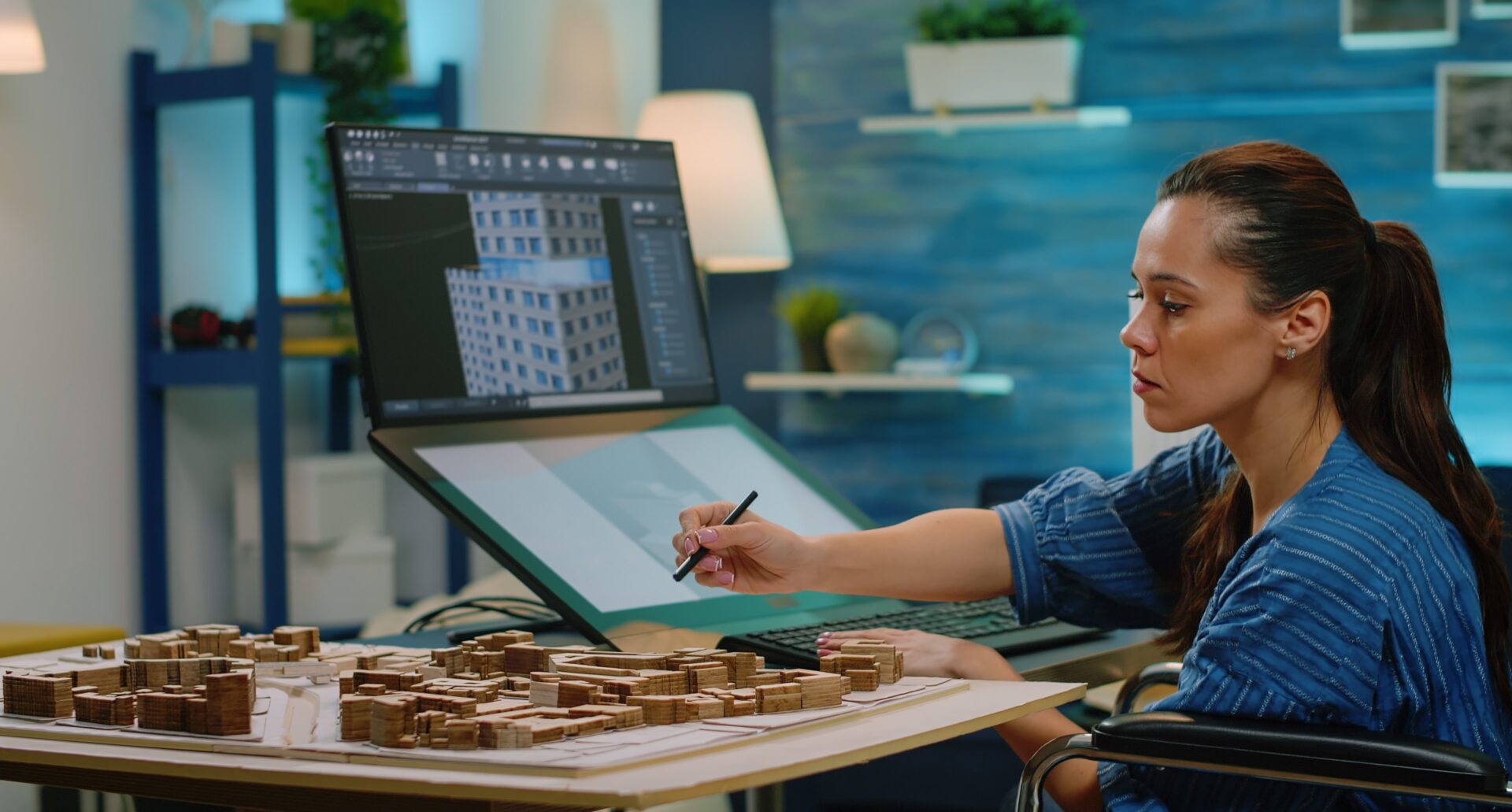
    BIM allows urban planners and architects to create detailed, high-quality 3D models of cities. These models provide a clear visualization of how new structures will impact the environment, infrastructure, and existing buildings. This helps avoid costly redesigns during the construction phase and enables better communication between stakeholders.

  2. Improved Collaboration and Efficiency
    BIM fosters collaboration among different disciplines by providing a centralized platform for data sharing. This results in fewer misunderstandings, faster decision-making, and reduced delays. Designers and contractors can coordinate their efforts seamlessly, improving the overall efficiency of urban development projects.

  3. Sustainability and Smart Cities
    With increasing demand for sustainable development, BIM is crucial in optimizing energy usage, waste reduction, and the efficient use of resources. BIM tools enable the simulation of energy consumption, helping urban developers make environmentally conscious decisions. Additionally, BIM aids in the creation of smart cities, where technology, infrastructure, and data come together to enhance urban living.

  4. Cost Management and Risk Reduction
    BIM allows for better cost estimation and budgeting by providing accurate data from the initial design phase. By identifying potential issues early, it reduces the likelihood of unexpected costs and delays. Additionally, BIM helps in risk management by allowing urban developers to simulate various scenarios and assess the impact of different decisions before construction begins.

  5. Maintenance and Facility Management
    After construction, BIM continues to play a critical role in urban development. The data from BIM models can be used to monitor and manage the ongoing maintenance of buildings and infrastructure. Facility managers can use BIM to track the lifecycle of assets, ensuring efficient operation and reducing downtime.

The Future of BIM in Urban Development

As urbanization accelerates, the need for smart, sustainable, and efficient city planning is more urgent than ever. BIM’s role in urban development is expected to grow significantly in the coming years. Emerging technologies like Artificial Intelligence (AI), Internet of Things (IoT), and cloud computing will integrate with BIM, making urban development even more efficient, responsive, and data-driven. The future of BIM in urban development is about creating cities that are smarter, more sustainable, and more connected.

Why Learn BIM at Cam Cadd, Moradabad?

If you’re in Moradabad or the surrounding region, Cam Cadd is the ideal place to master BIM and CAD technologies. We offer specialized courses in BIM, Revit, and other industry-leading tools that are essential for modern urban development. Here’s why you should choose Cam Cadd:

  • Expert Trainers: Learn from experienced professionals who bring industry insights and practical knowledge.
  • Hands-On Training: Our courses provide real-world applications, ensuring you’re job-ready.
  • Industry-Relevant Curriculum: Our courses are updated to match current trends and technologies in BIM and urban planning.
  • Certification: Upon completion, receive a certification that enhances your job prospects in the fast-growing field of BIM.

Join Cam Cadd in Moradabad and take the first step toward a successful career in urban development with BIM. Visit camcadcentre.com to enroll and learn more about our courses.

Accredited By